
CLINT's games can now be played in your browser
A first web version of the CLINT games is now live: 21 brain training games for adults, playable on a computer, with nothing to install. Try them free for 7 days.
7-day free trial · No credit card needed to create your account
CLINT, your brain coach, now without an app
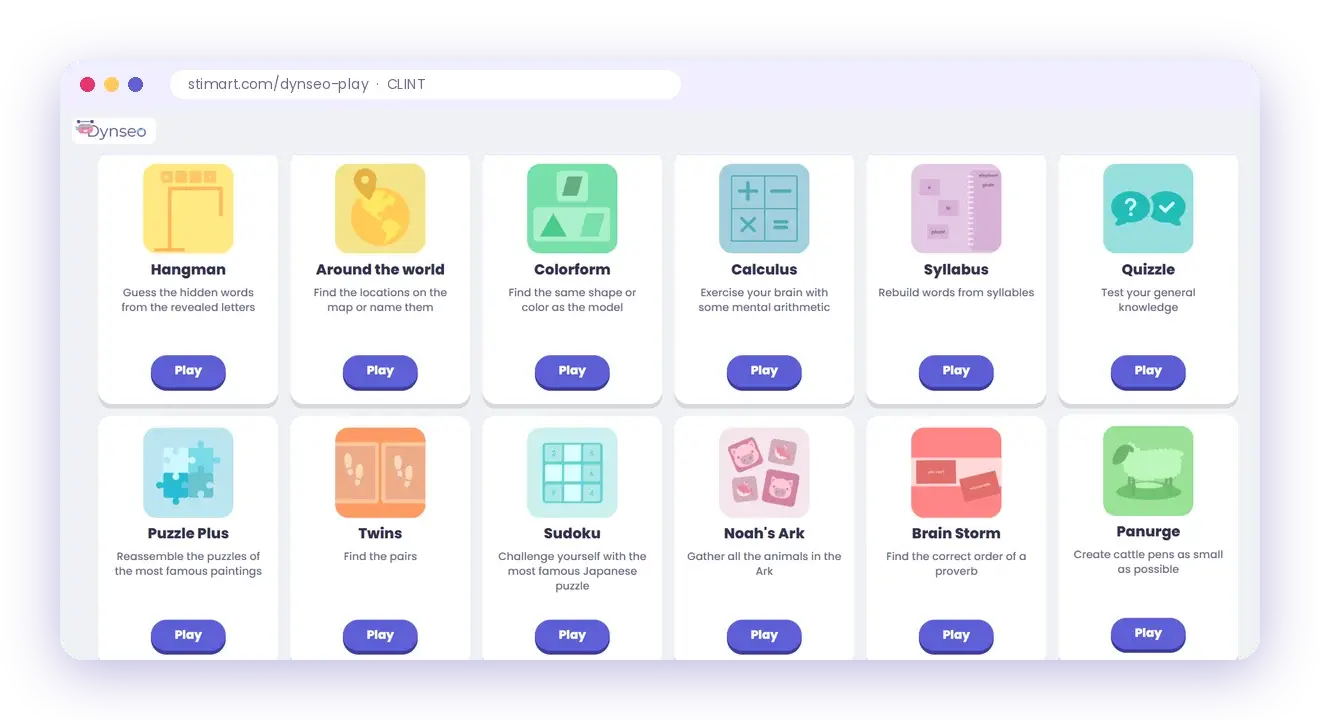
Until now, CLINT's games could only be played in the app. They are now also available online, on DYNSEO Play: log in, pick a game and start training, right from your browser, at work or at home. This first web version brings together a selection of 21 games from the app. More games will be added with each update.
Already available on the web
For now, in the app only
The web version will grow step by step. To enjoy every game, the CLINT app remains the most complete option.
How does it work? 5 steps, just a few minutes
A clear interface and short instructions: you'll be playing in less than two minutes.
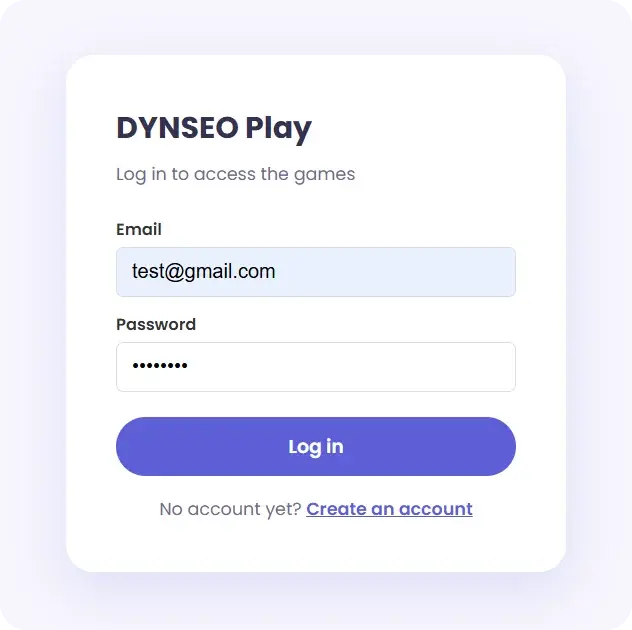
Create your account (or log in)
Open DYNSEO Play and click "Create an account": an email address and a password are all you need. Already have a DYNSEO account? Simply log in with your usual details.
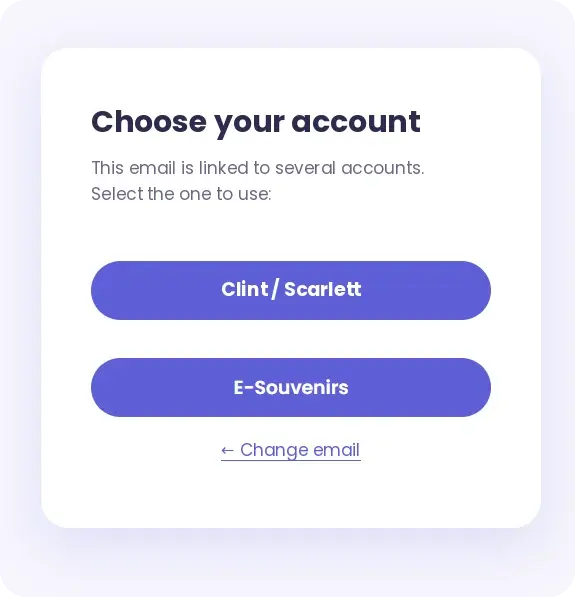
Choose CLINT
Your space offers CLINT (stimulating games for adults who want to keep their brain in shape) and SCARLETT (gentler, soothing games designed for seniors). Click CLINT to get started. You can switch from one to the other at any time from the top bar.
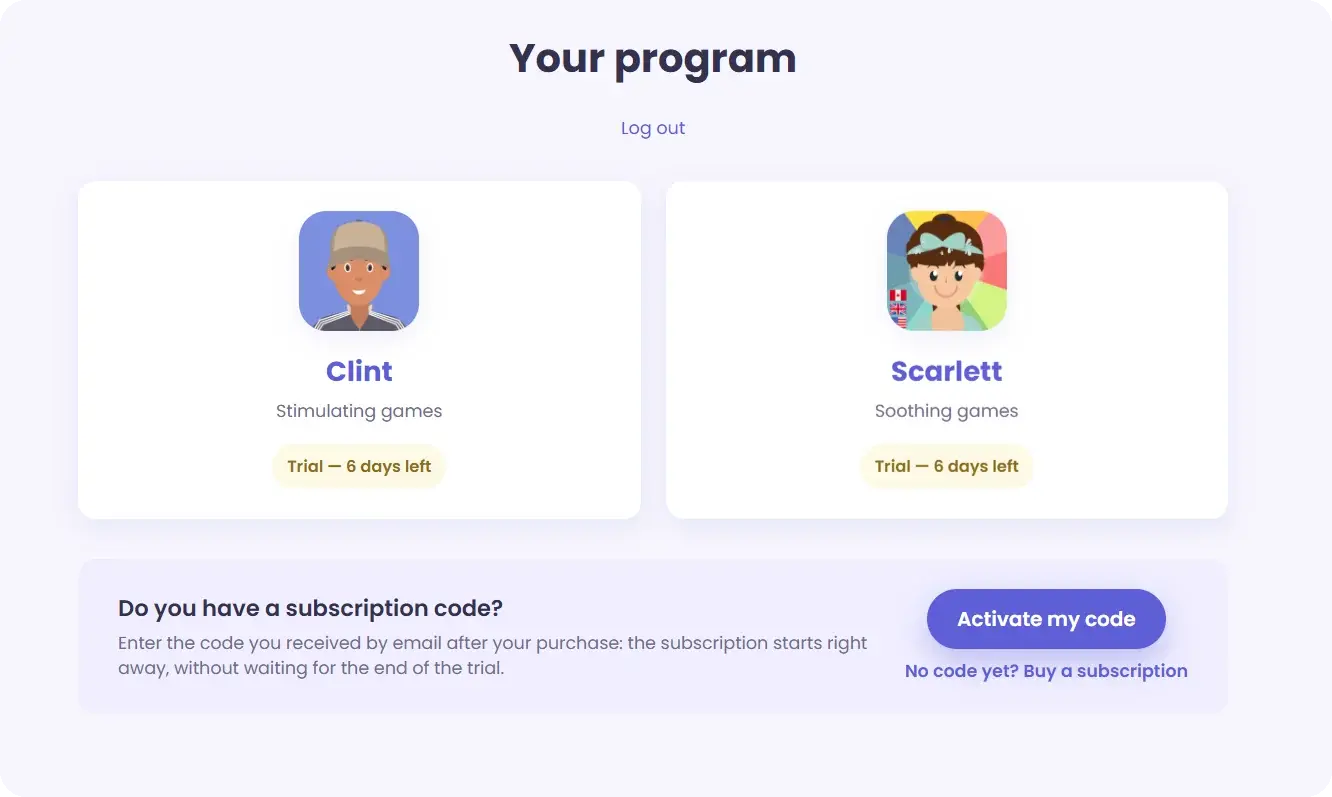
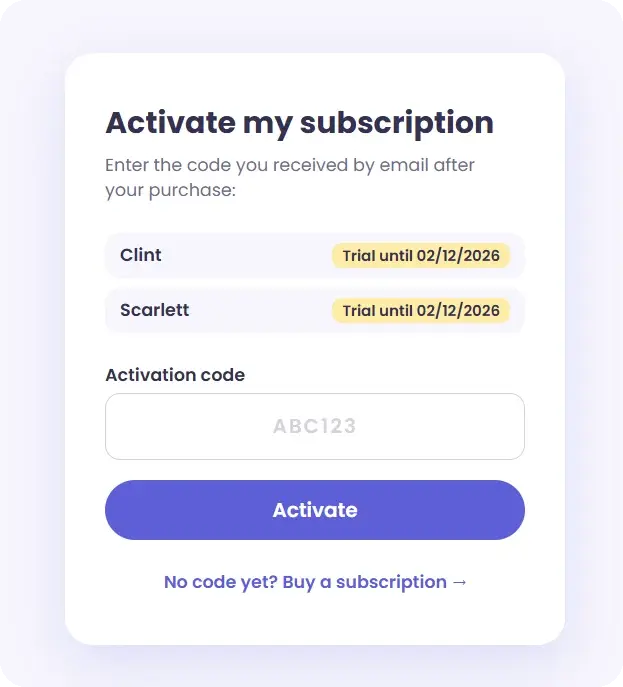
Enjoy your free trial, or activate your subscription
As soon as your account is created, you get a 7-day free trial on CLINT and SCARLETT. The days remaining are shown on screen. Already bought a subscription? Enter the code you received by email: your subscription starts right away, without waiting for the end of the trial.
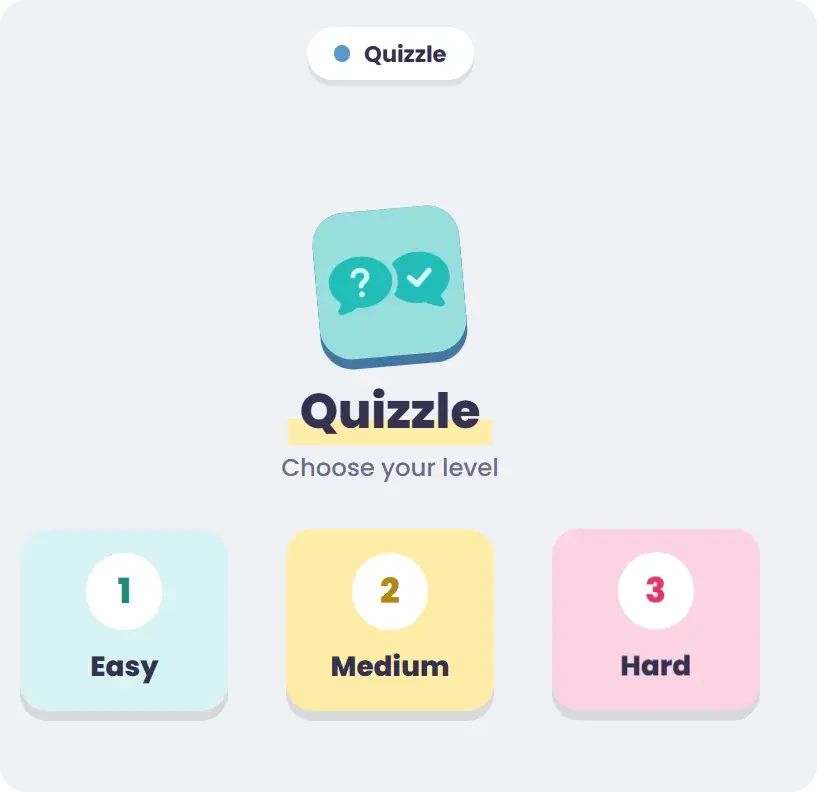
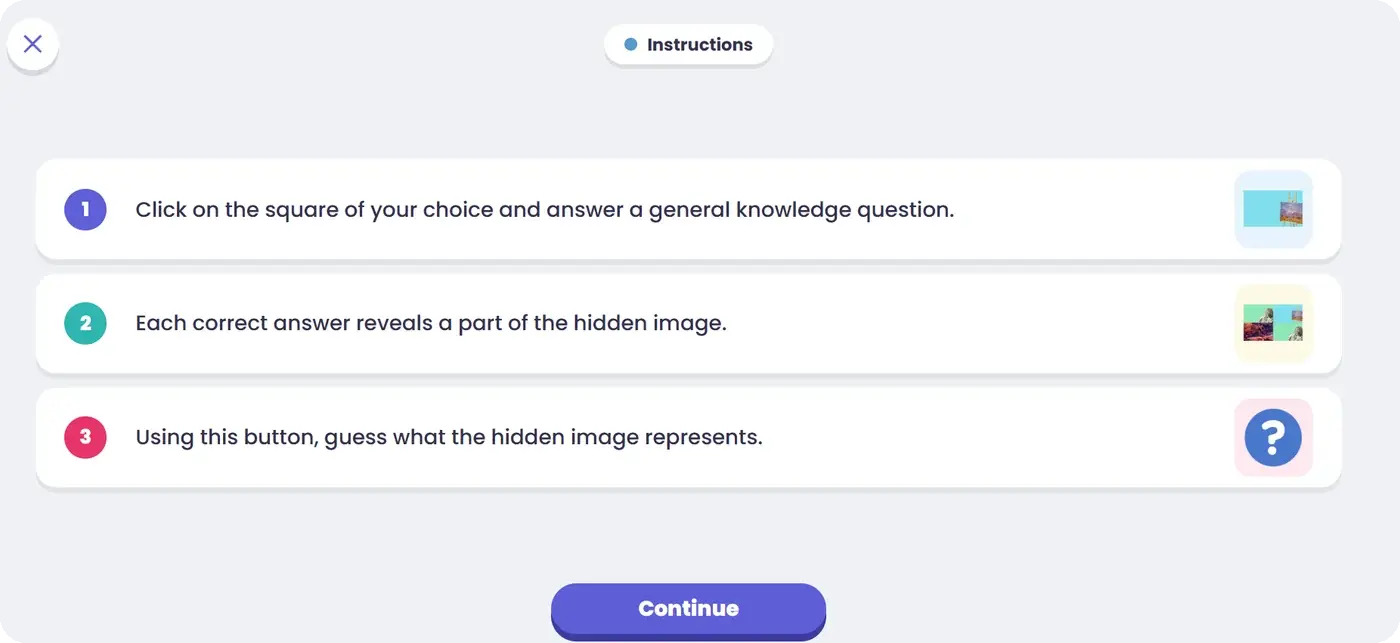
Pick a game and your level, then read the instructions
The 21 games are shown on clear cards, with one line explaining what you'll be working on. Click "Play", choose your level (Easy, Medium or Hard), then discover the instructions in 3 illustrated steps.
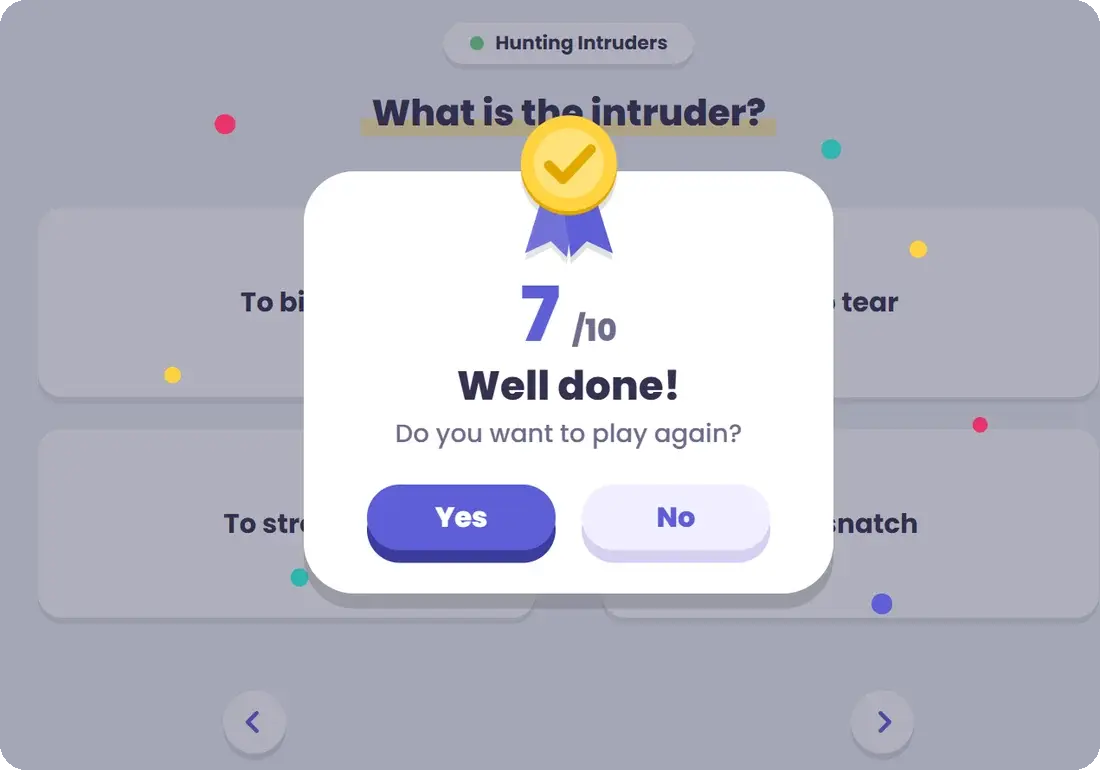
Play, check your score, improve
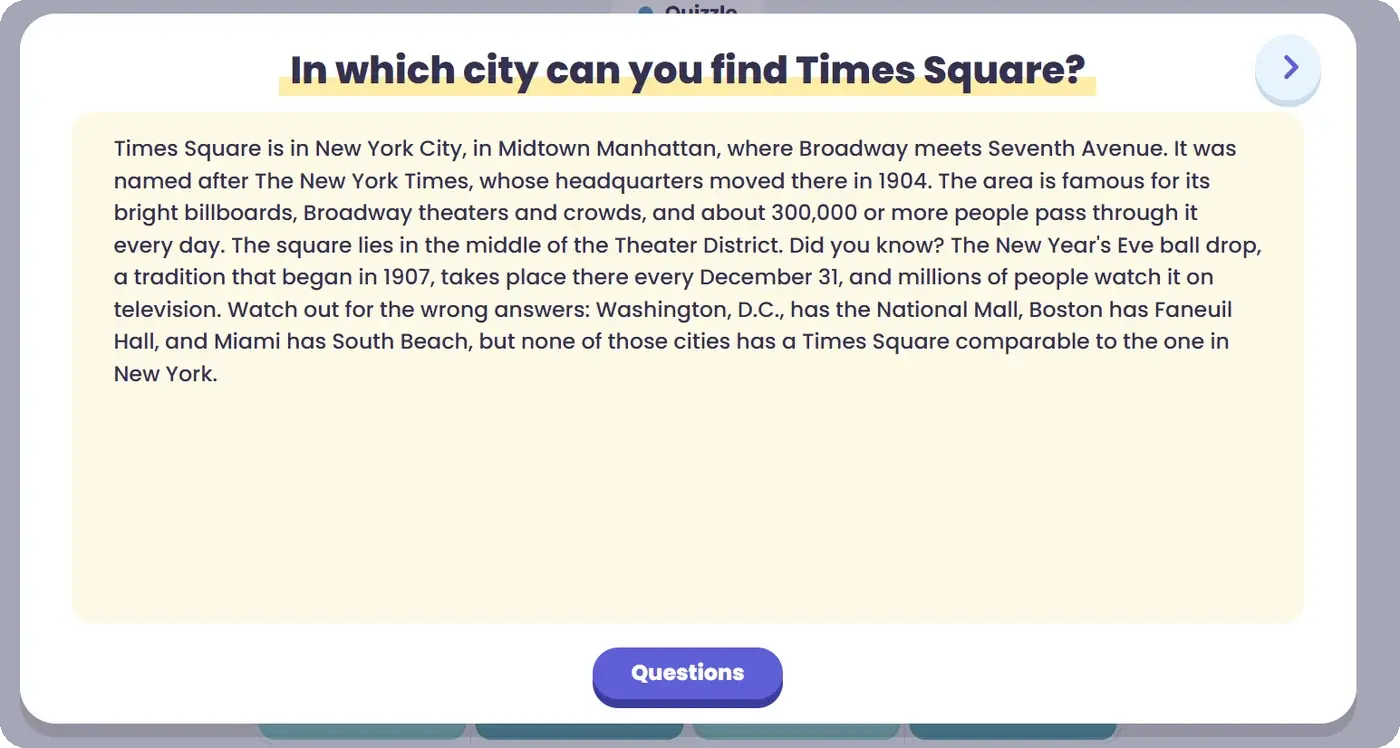
Every answer is corrected straight away. At the end of each game, a score out of 10 shows you where you stand, and you can play again right away to do better. In the quizzes, a detailed explanation comes with each correct answer: you learn something new with every question.
What does a game look like?
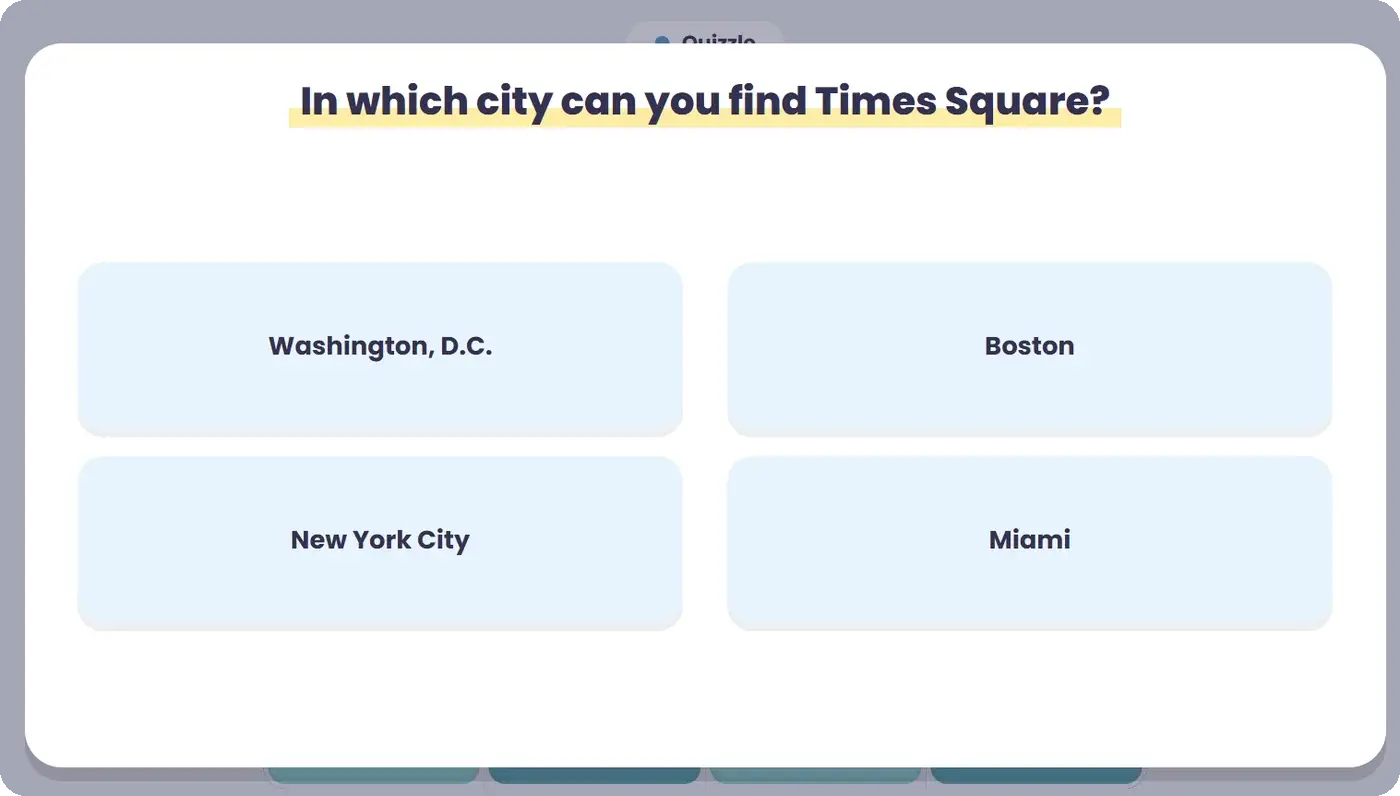
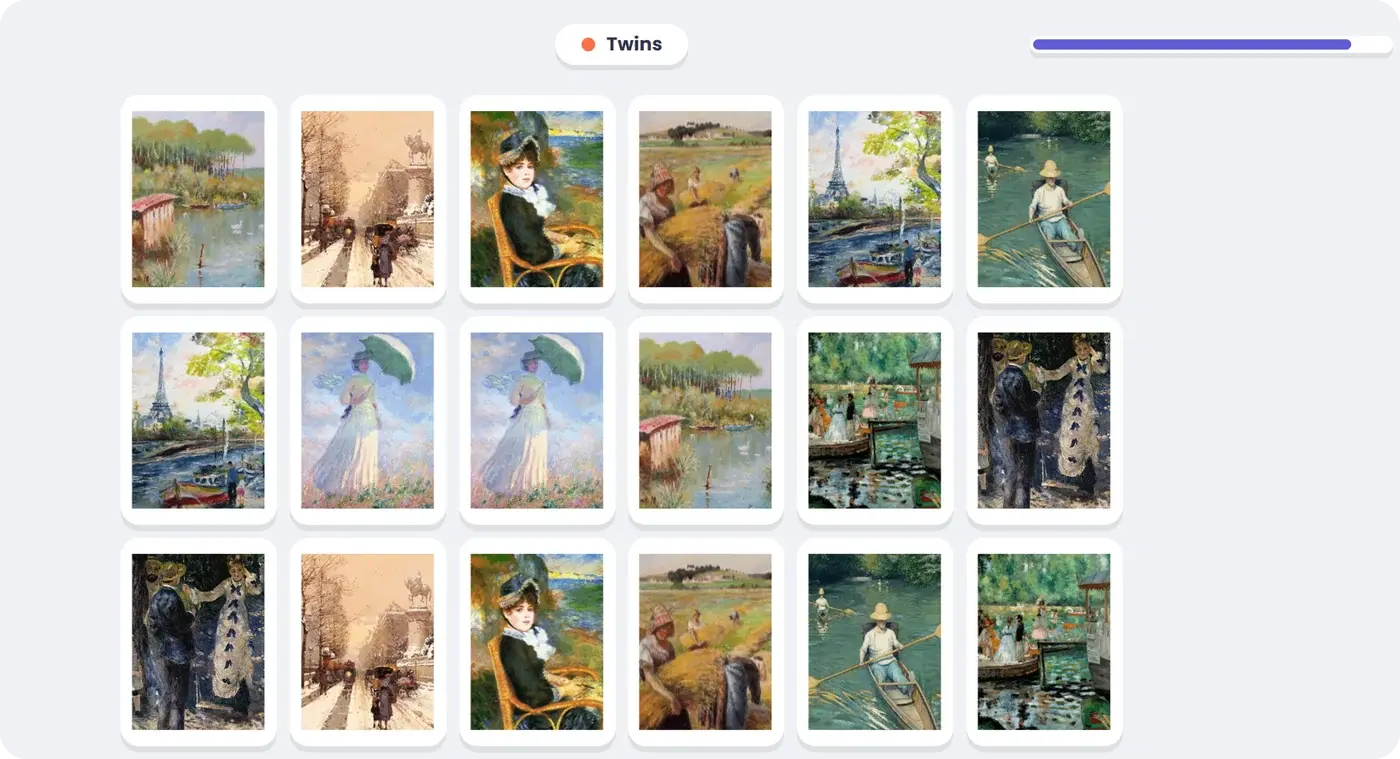
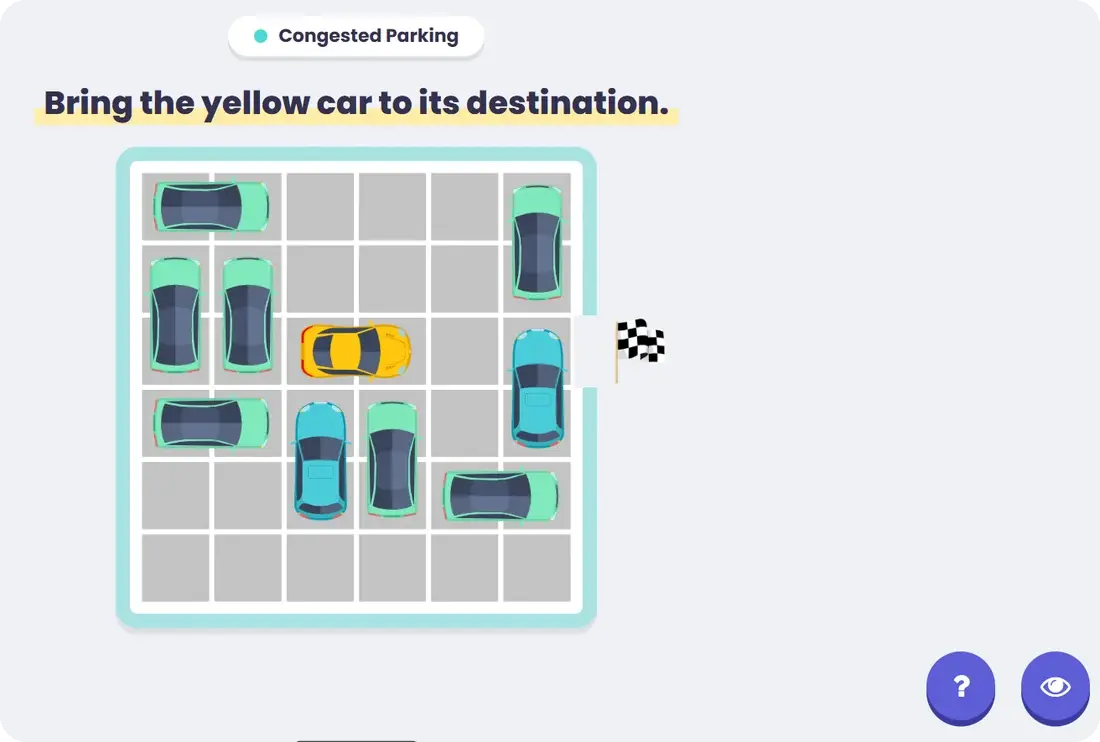
Three examples among the 21 games: Quizzle for general knowledge, Twins for visual memory, and Congested Parking for logic and planning.
The 21 CLINT games already available online
Memory, attention, logic, language, general knowledge: everything you need to train all your cognitive functions, one game at a time.
Hangman
Guess the hidden words from the revealed letters.
LanguageAround the world
Find the locations on the map or name them.
General knowledgeColorform
Find the same shape or color as the model.
AttentionCalculus
Exercise your brain with some mental arithmetic.
LogicSyllabus
Rebuild words from syllables.
LanguageQuizzle
Test your general knowledge and guess the hidden image.
General knowledgePuzzle Plus
Reassemble the puzzles of the most famous paintings.
PerceptionTwins
Find the pairs.
MemorySudoku
Challenge yourself with the most famous Japanese puzzle.
LogicNoah's Ark
Gather all the animals in the Ark.
MemoryBrain Storm
Find the correct order of a proverb.
LanguagePanurge
Create cattle pens as small as possible.
PlanningCongested Parking
Get your car out of the parking lot.
PlanningMoles Invasion
Repel the mole invasion.
ReflexesHunting Intruders
Find the odd one out among 4 options.
LogicSimili
Find the matching image.
AttentionFlying Balloons
Find the right number of balloons.
AttentionCrazy Checkerboard
Train your memory by coloring in a checkerboard.
MemoryGranny's Kitchen
Test your cooking knowledge.
MemorySnowball Effect
Tap an arrow to trigger a chain reaction.
PlanningShape Box
Spot the right shape or color from the model.
Perception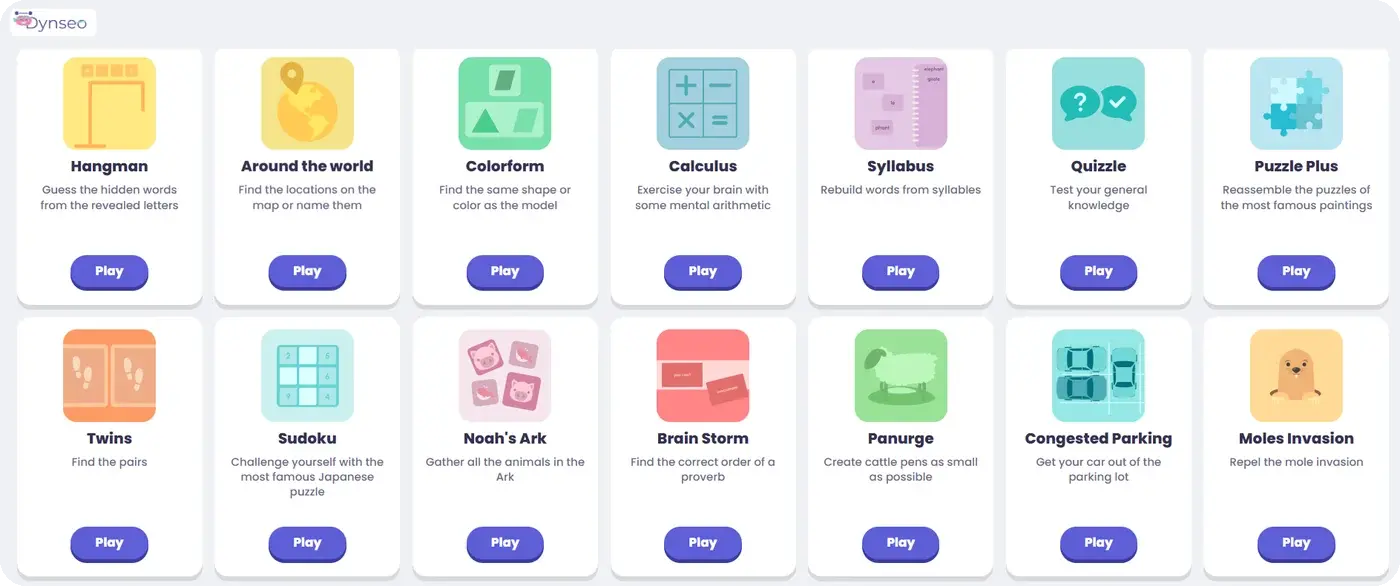
Two ways to train with CLINT
The web version is ideal for discovering CLINT or playing from any computer. The app remains the complete version.
Web version New
CLINT app Complete
For every adult who wants to keep their brain in shape
Active adults
A few minutes a day, during a break or in the evening, to keep your memory, focus and mental agility sharp.
Health professionals
Speech therapists, neuropsychologists, occupational therapists: exercises to use in sessions on the clinic computer, or as homework between appointments.
Organizations
Associations, prevention centers, day care centers: the games open on any computer, for workshops with no installation.
Everything you need to know about CLINT's web games
Can I play CLINT's games without downloading an app?
Yes. Since November 2026, a first web version of the CLINT games has been available on DYNSEO Play. All you need is a web browser (Chrome, Firefox, Edge, Safari) on a computer, and a DYNSEO account.
How many games are available in the web version?
The web version offers 21 games from the CLINT app: Quizzle, Sudoku, Calculus, Twins, Congested Parking, Hunting Intruders, Brain Storm and many more. New games will be added with future updates.
Is the web version free?
You get a 7-day free trial as soon as you create your account, on CLINT and SCARLETT. After that, a subscription lets you keep playing: simply enter the code you received by email after your purchase.
What is the difference between CLINT and SCARLETT?
CLINT offers stimulating games for adults who want to maintain their cognitive abilities. SCARLETT offers gentler games designed for seniors. With a single DYNSEO Play account, you can switch from one to the other.
How can I track my progress in the web version?
Each game ends with a score out of 10. Just play again to try to beat it, then move up a level (Easy, Medium, Hard) when you feel comfortable.
Can a professional use CLINT online with patients?
Yes: the web version opens on the clinic computer, with no installation. The games can be used during sessions or as exercises to do at home.
I already have a subscription to the CLINT app. Do I need to buy access again?
Log in to DYNSEO Play with your DYNSEO account details. If you received a subscription code, enter it under "Activate my code". If in doubt, our team is here to help at +33 9 66 93 84 22 or contact@dynseo.com.
Try CLINT's games online today
Create your account in a minute and discover the 21 games of the web version. Nothing to download, nothing to install.