
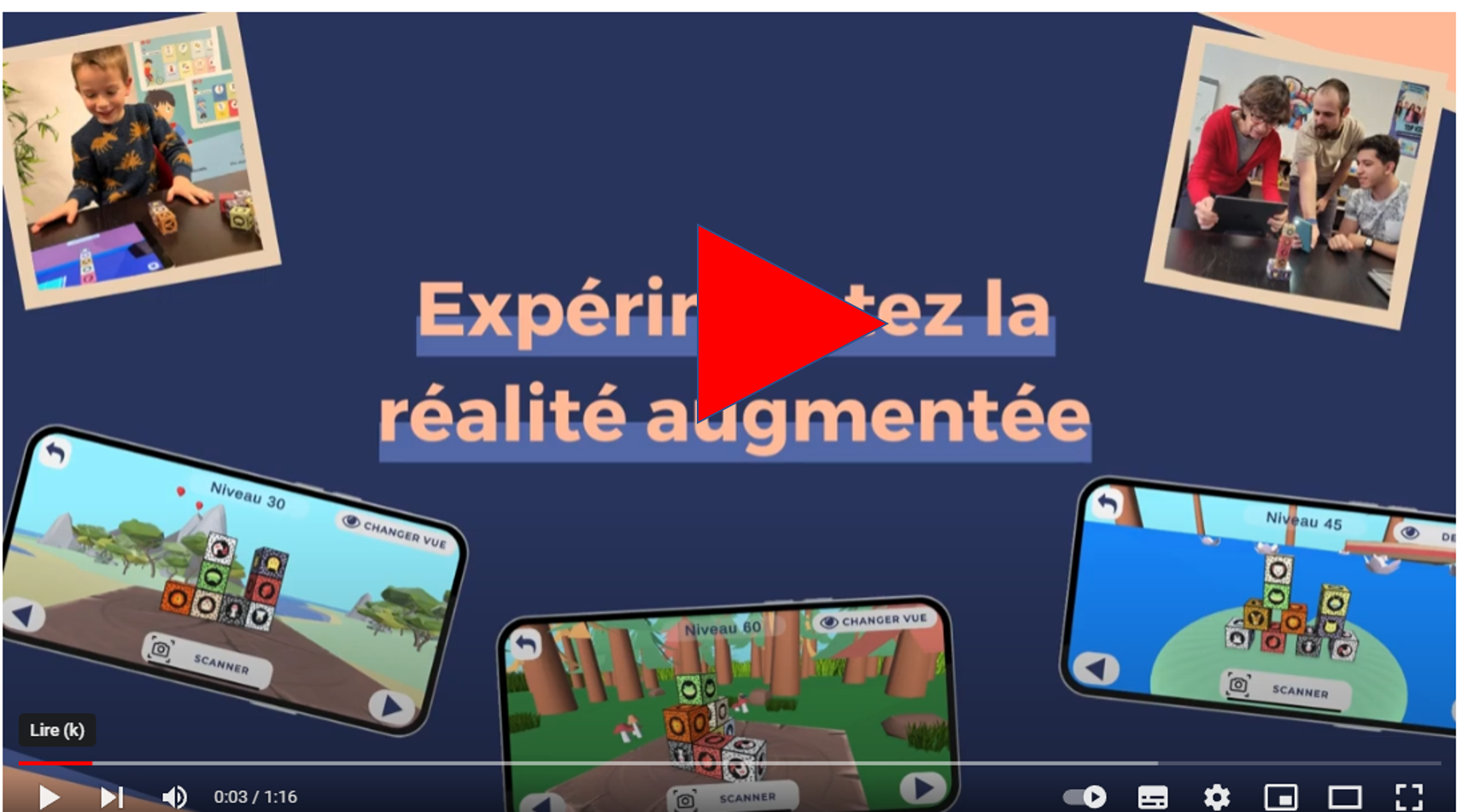
Experience Augmented Reality
with CPLAY
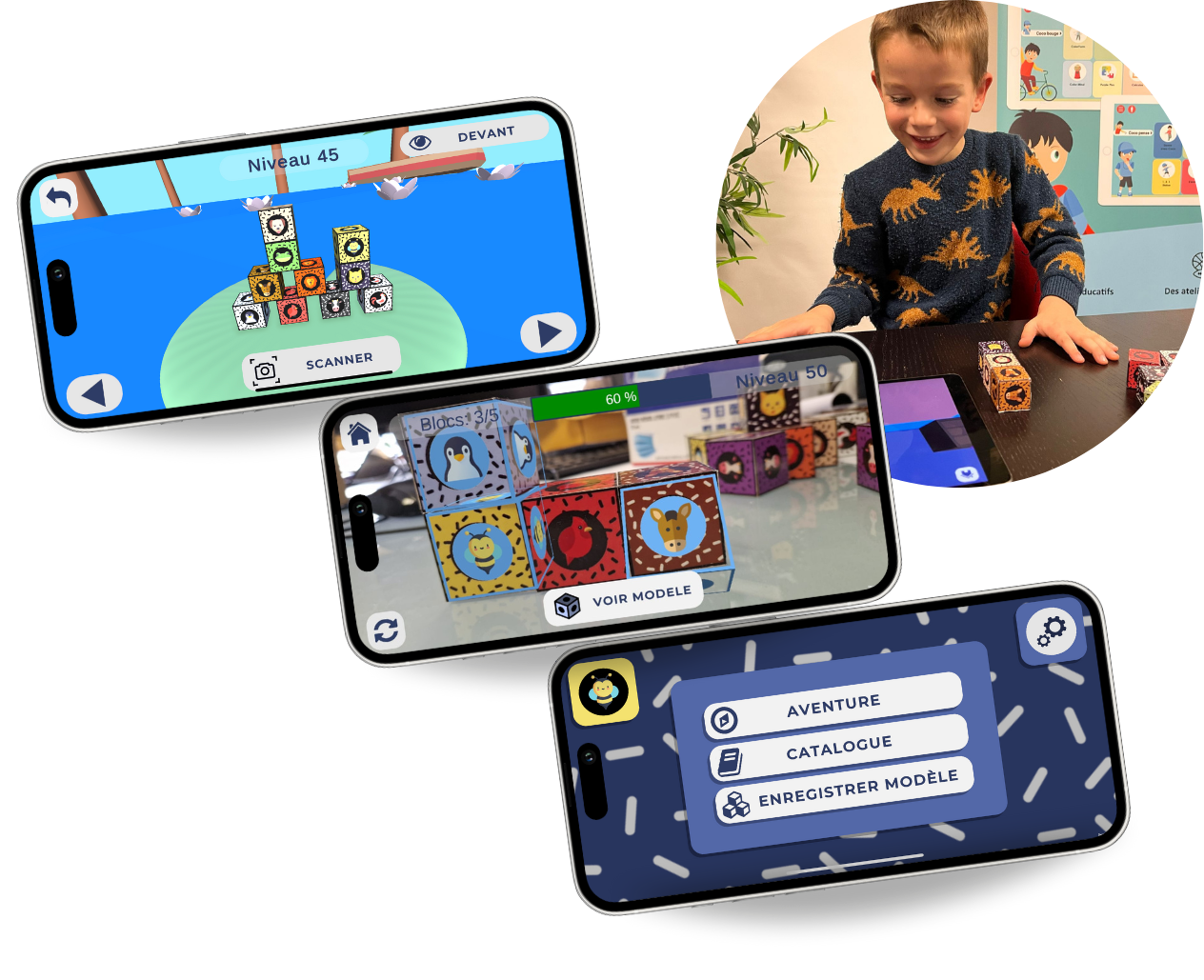

100 3D Models to Build
4 Worlds of Adventure
Wooden building blocks
Scan and confirm
Visual-Spatial Construction


HOW THE APP WORKS USING CPLAY CUBES
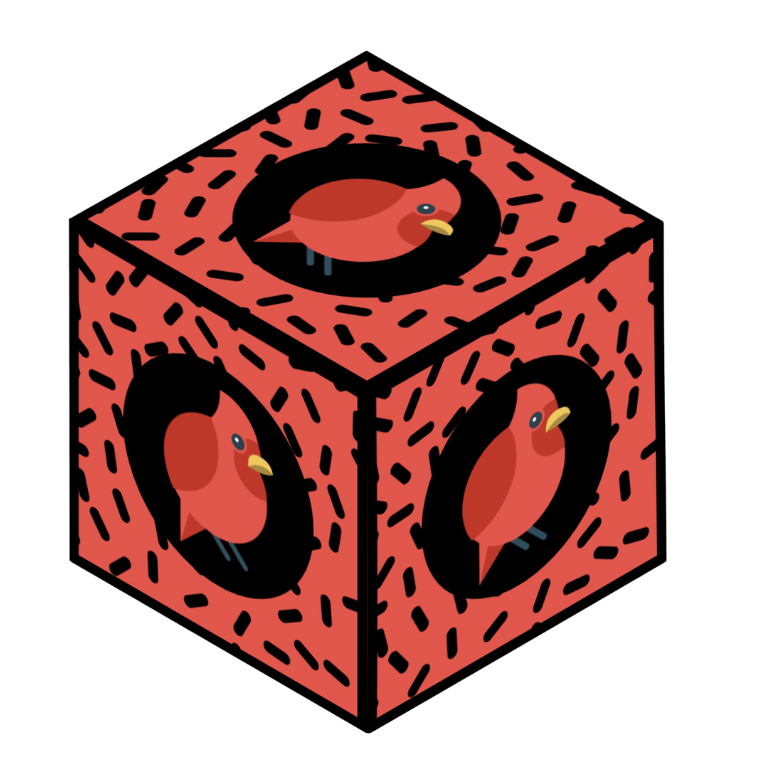
Discover CPLAY CUBES, an innovative app that combines physical objects and augmented reality for fun and educational activities. The app combines the manipulation of physical objects (cubes) with augmented reality to help children and adults develop visual-spatial construction skills, coordination, sequencing, and fine motor skills.
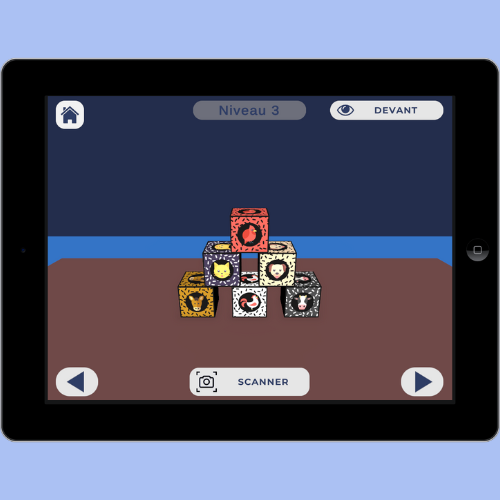
Look at the model shown on the screen, rotating it as you do so.
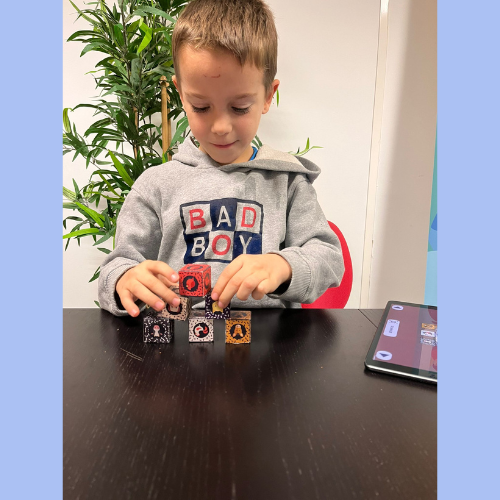
Use your blocks to recreate the model.
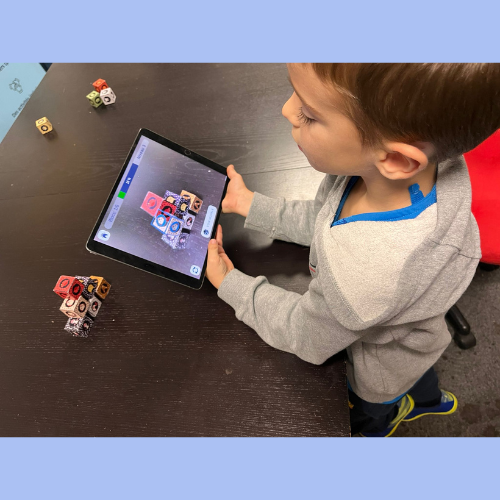
Check your creation using the app and “Scanner” mode.
Augmented Reality for fun exercises
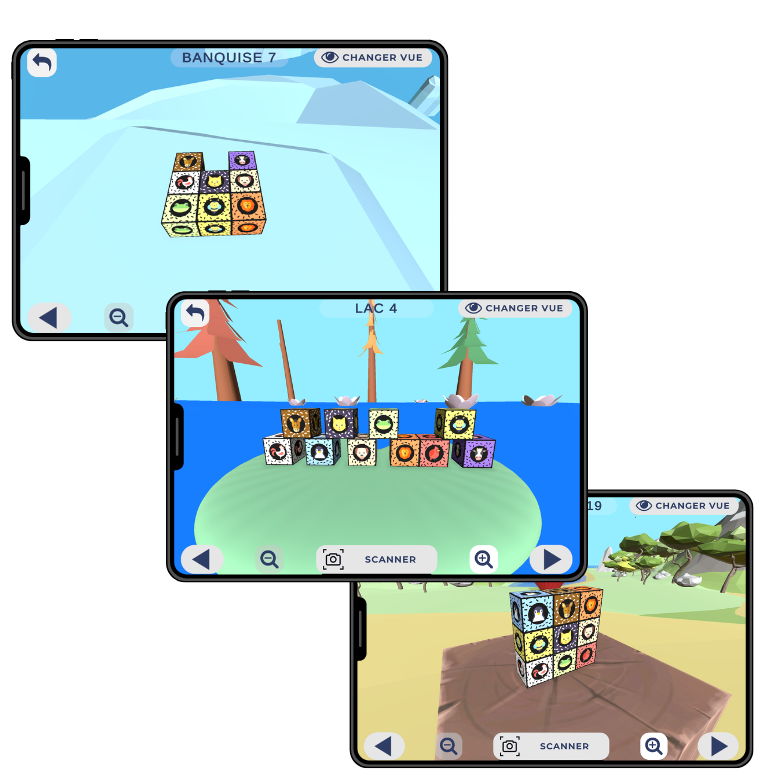
More than 100 models are available across the four adventure worlds: the ice floe, the mountain, the lake, and the forest.
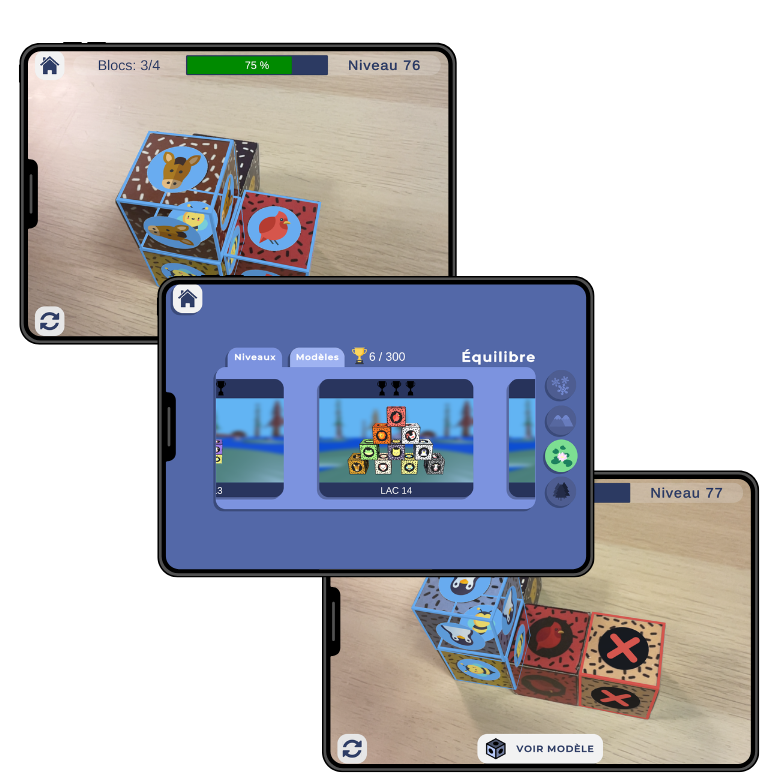
The app includes a variety of audio and visual cues to help users build and validate their models.
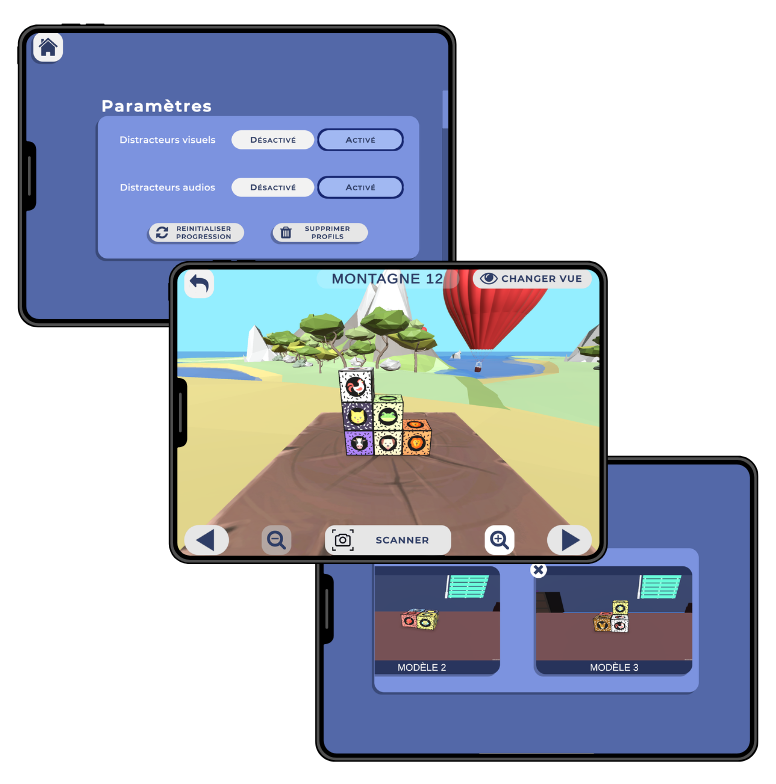
The program also supports children and adults with dyspraxia. The inclusion of audio and visual distractions allows you to tailor the exercises to each user.
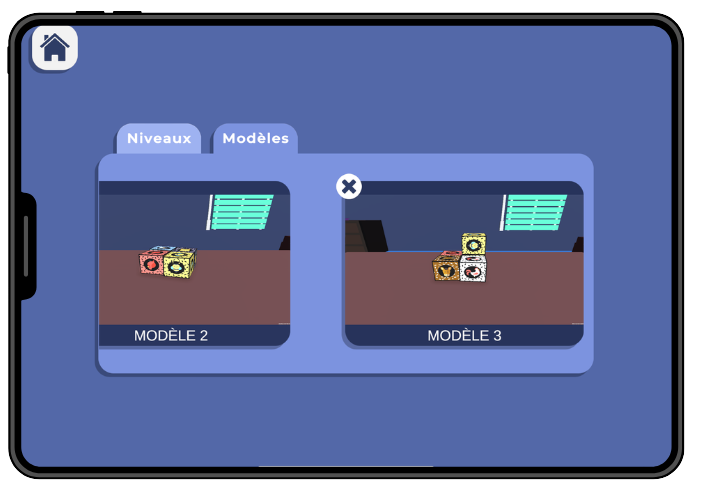
To give your imagination free rein, you can also create your own designs. Let your creativity run wild! You can save your designs and recreate them later.
4 Worlds of adventure
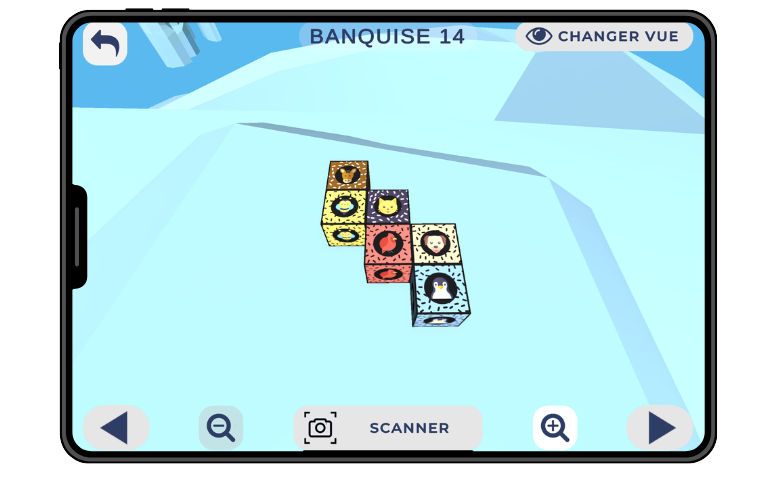
La Banquise – The Main Course
Explore La Banquise and develop your sequencing and logical thinking skills with flat, complex models to assemble.
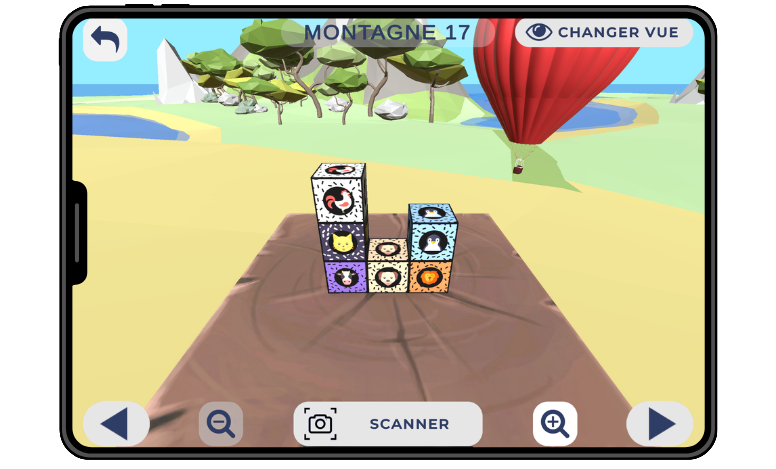
The Mountain – The Height
In the world of La Montagne, take on the challenge of building tall structures to improve your visual-spatial perception and 3D planning skills.
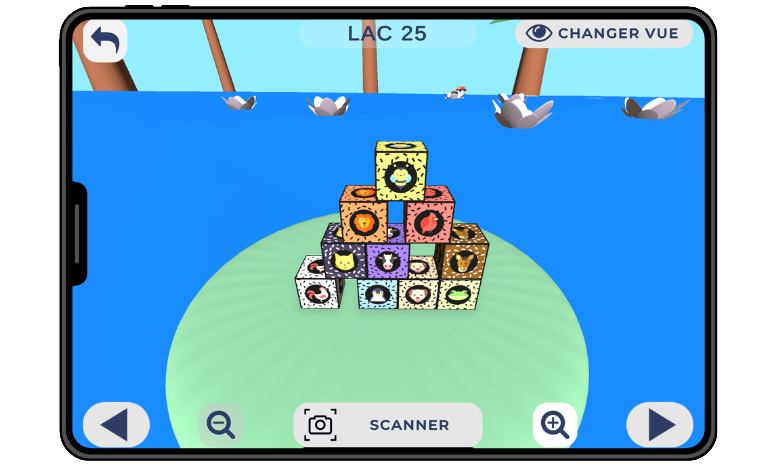
The Lake – Balance
Immerse yourself in the world of the Lake and work on your balance by manipulating models that require precision and stability.
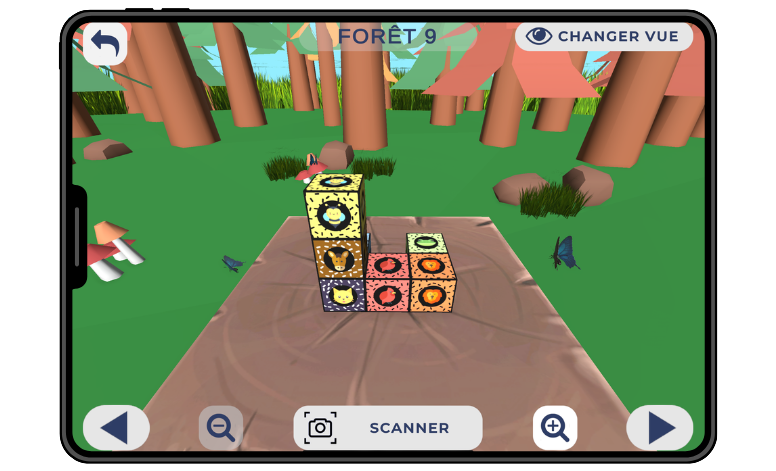
The Forest – The View
Discover *La Forêt* and learn to master perspective by recreating models where every angle matters.
A versatile tool for learning and rehabilitation
CPLAY CUBES is an innovative solution that combines the manipulation of physical objects with augmented reality to support learning and rehabilitation. Whether in a school or therapeutic setting, this interactive approach stimulates coordination, planning, and visuospatial perception. Suitable for all ages, it allows users to develop essential skills in a fun and engaging way.
For a school project: a comprehensive educational tool
CPLAY CUBES is a valuable resource for teachers and students, promoting active and immersive learning. It helps develop fundamental skills such as spatial awareness, sequencing, and action planning. Students must observe an augmented reality model, analyze its structure, and then physically recreate it using cubes. This approach encourages logical thinking and problem-solving, while also stimulating fine motor skills and hand-eye coordination.
The app also offers a differentiated approach, allowing exercises to be tailored to each student’s level. It promotes independence by providing immediate feedback on errors and encouraging gradual adjustments. Furthermore, the variety of models and challenges keeps students engaged by incorporating concepts of geometry and 2D and 3D construction in a fun way. Finally, the ability to create their own models stimulates creativity and collaborative work, making learning more motivating and interactive.
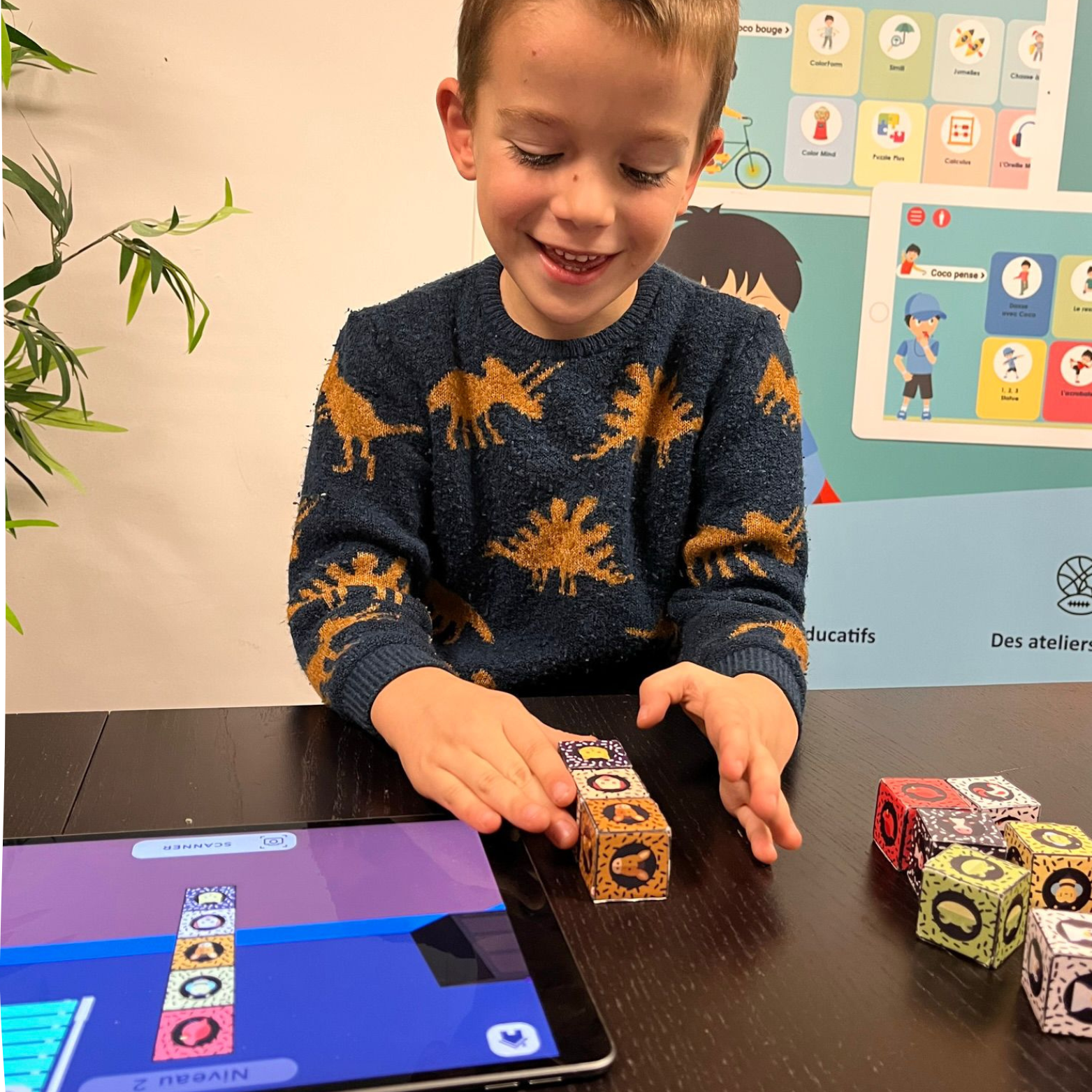
In a therapeutic program: an approach tailored to specific needs
In a therapeutic setting, CPLAY CUBES serves as a tool for stimulation and rehabilitation for people with cognitive or motor impairments. It allows the difficulty of the exercises to be adjusted and provides support tailored to each user’s abilities. By combining physical manipulation with augmented reality feedback, the app promotes gradual progress and builds self-confidence.
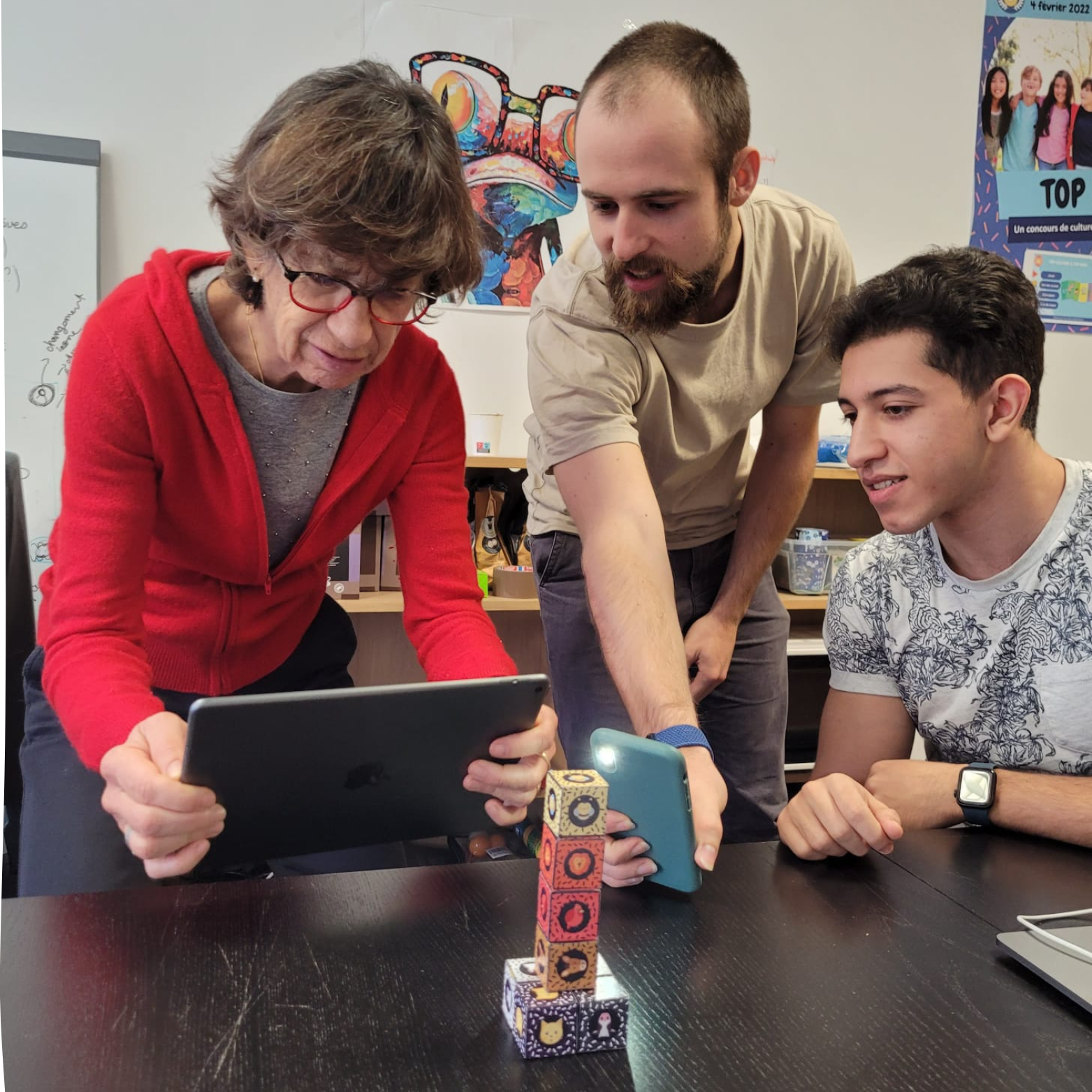
For people with dyspraxia
People with dyspraxia benefit from a gradual and structured learning process with CPLAY CUBES. Augmented reality validation and immediate feedback help improve coordination and understanding of movements, making rehabilitation more accessible and motivating.
For people with autism
People with autism often face challenges related to visuospatial perception and motor coordination. CPLAY CUBES offers a structured approach with clear instructions and visual and auditory feedback, which makes it easier to understand and learn. The ability to create their own models also encourages self-expression and creativity.
For people with ADHD
CPLAY CUBES promotes concentration and organization by providing step-by-step models to follow. Immediate feedback helps maintain engagement, and the ability to adjust auditory and visual distractors allows the stimulation to be tailored to each user.
For people who have had a stroke
By combining physical manipulation and cognitive stimulation, CPLAY CUBES aids in the rehabilitation of motor and visuospatial functions following a stroke. The adaptability of the exercises allows for gradual progression, promoting the recovery of lost abilities.
For a person with Parkinson’s
Through exercises that engage fine motor skills and coordination, CPLAY CUBES helps improve movement control. Visual and auditory feedback allows for gradual adjustment of movements, making rehabilitation more motivating and engaging.
For people with Alzheimer’s disease
CPLAY CUBES stimulates memory, shape recognition, and spatial perception through interactive exercises. The combination of hands-on manipulation and augmented reality feedback helps maintain cognitive abilities while adding a fun and reassuring element.
HEALTH PARTNERS OF CPLAY
Use the cubes in schools
To use this version of CPLAY CUBES, you must have the cubes developed by DYNSEO so that the app can recognize the models you’ve created. There are several options:
- We are sending you pre-printed wooden cubes
- We offer models with templates you can assemble yourself to help develop fine motor skills
Next, you’ll need to download the CPLAY CUBES app on an Android or Apple device so you can start creating your models!
Results of the study
✅ Improved fine and gross motor skills: The study demonstrated significant improvement in the precision and fluidity of upper-limb movements among children who used the platform.
✅ Increased engagement in rehabilitation: Thanks to the playful approach, children have shown greater adherence to the exercises, with fewer dropouts compared to traditional methods.
✅ Positive impact on cognitive abilities: Playing the game improved motor planning, attention, and coordination—functions that are essential for a child’s development.
✅ Adaptability and effective customization: The integration of artificial intelligence has made it possible to tailor exercises to meet each child’s specific needs, with real-time adjustments to the level of difficulty.
✅ Potential for home use: The study also explored the possibility of remote rehabilitation as a supplement to sessions at a specialized center.
FUND CPLAY WITH THE PCH
Did you know that the Disability Compensation Benefit (PCH) can help fund our CPLAY Cubes program? This assistance enables people with disabilities to access adaptive tools that promote their independence and personal growth.
Applications must be submitted to the Departmental Office for People with Disabilities (MDPH), along with a personalized cost estimate.

NEXT STEP: Integration of smart sensors
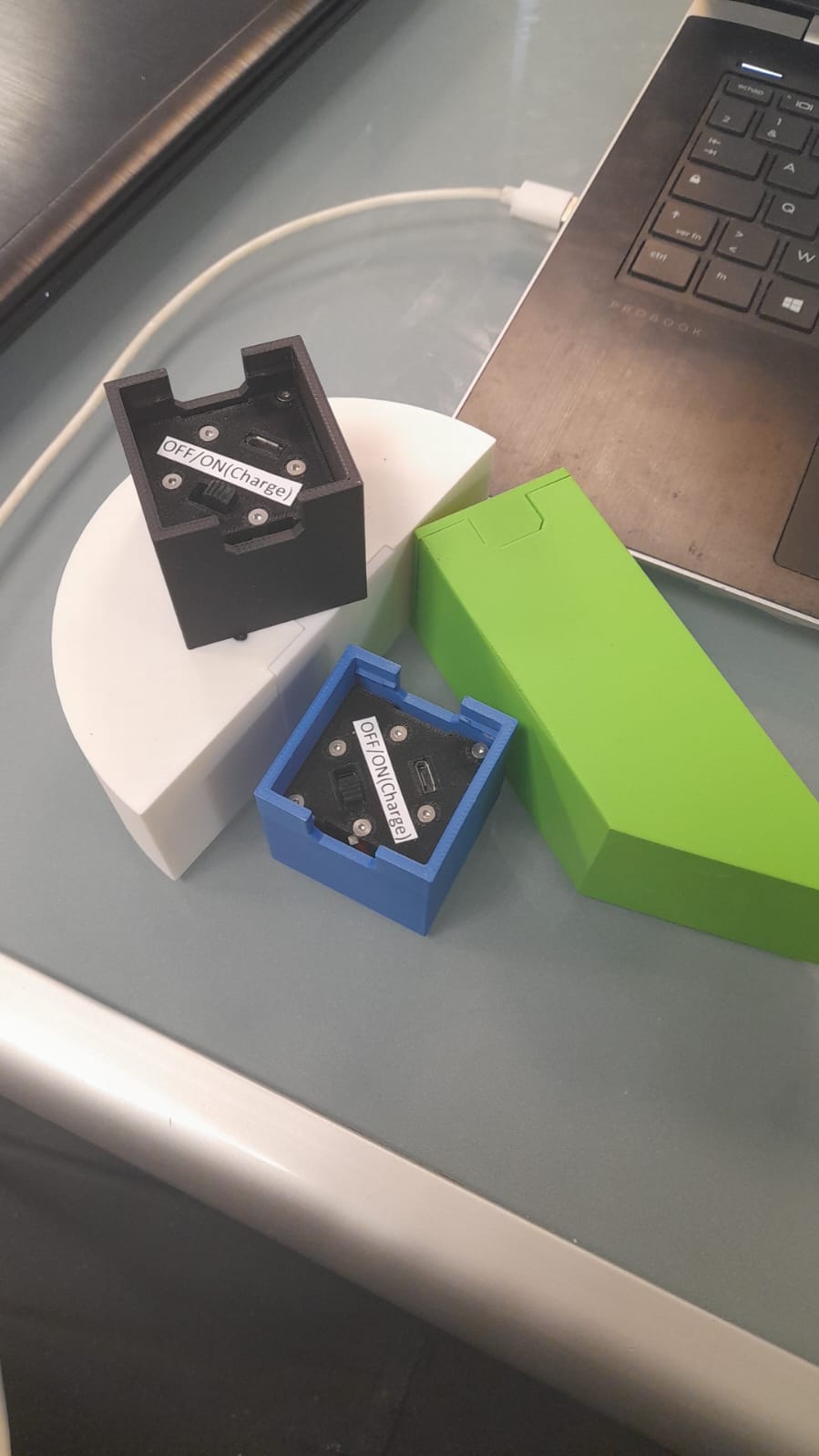
Together with our project partners, we are currently working on a more advanced version that incorporates smart sensors, which would allow us, in a therapeutic setting, to collect data on how each patient uses the sensors.
Which devices are compatible with the CPLAY app?
What are the requirements for using Augmented Reality on Android?
How can I tell if my Android device is compatible with Augmented Reality?
Can CPLAY work offline, without Wi-Fi?
CONTACT US
OUR NEWS
Address
6 Rue du Docteur Finlay
, 75015 Paris
