
Multi-Party Consent Forms in Senior Care: How Role-Based eSignature Workflows Keep Residents, Families and Staff Aligned
Admission packets, therapy consents and care plans rarely have a single signer. Here is how to organize who fills and signs what.
In senior care, very few documents are signed by one person alone. An admission agreement, a consent to cognitive therapy or an update to a care plan usually needs input from the resident, a family member or legal representative, and at least one professional. When everyone signs the same paper form in a different place and at a different time, signatures go missing, fields are filled by the wrong person and files sit incomplete for weeks.
Role-based electronic signature workflows solve this by deciding in advance who fills what. With [ANCHOR TEXT], each field in a document is tied to a specific signer role, so the resident only sees the fields meant for them, the guardian sees theirs, and the care coordinator signs last. This article explains how that works in practice for care homes, assisted living facilities and therapy practices, and what to watch for when setting it up.
Why care documents rarely have a single signer
Care decisions are shared decisions. An older adult moving into assisted living may sign their own admission agreement, but the facility often also needs a financially responsible party, an emergency contact and a staff member who confirms the intake. When a resident lives with dementia or another cognitive condition, a legal representative may need to sign on their behalf for some sections, while the resident still initials the parts they can understand and agree to.
Therapy practices face the same pattern. A speech-language pathologist or neuropsychologist working with an older client may need the client's consent, the caregiver's acknowledgment of the home-practice plan and the clinician's own attestation. On paper, these steps are handled by passing one form around. Digitally, the same document can be sent for signature to several people at once, with each person limited to their own part.
Mapping the roles before you build the form
The most useful work happens before anyone opens an eSignature tool: listing the people who touch the document and what each one is responsible for. A typical admission packet in senior living involves four roles.
| Role | What they typically complete |
|---|---|
| Resident | Personal details, initials on house rules, signature on consent sections they can agree to |
| Legal representative | Signature where the resident lacks capacity, guardianship or power-of-attorney details |
| Family caregiver or financial party | Billing details, payment authorization, emergency contact acknowledgment |
| Care coordinator or clinician | Intake confirmation, care level, final countersignature |
Naming roles generically ("Resident", "Representative") rather than after a specific person is what makes the form reusable. The same template can then be sent for each new admission, with real names and emails attached only at the moment of sending.
Assigning fields and setting the signing order
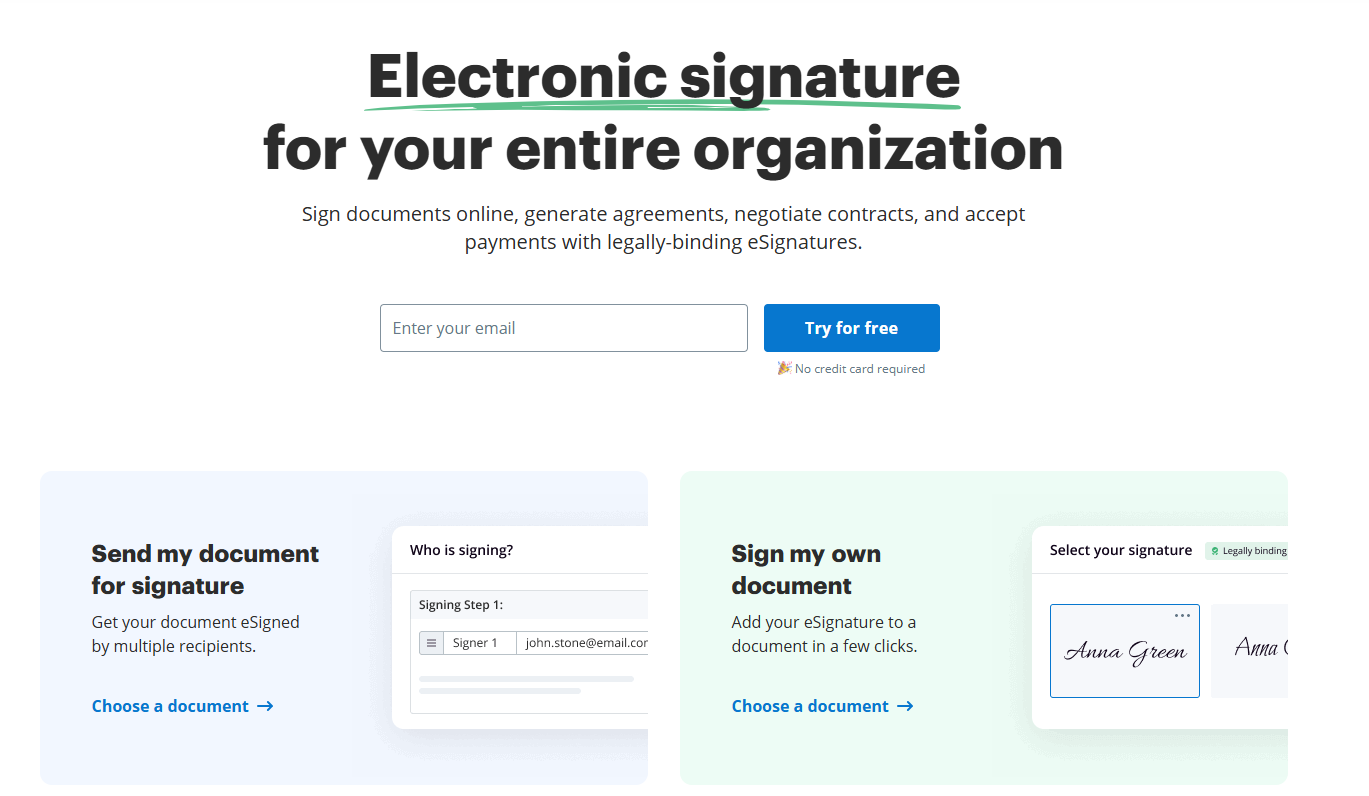
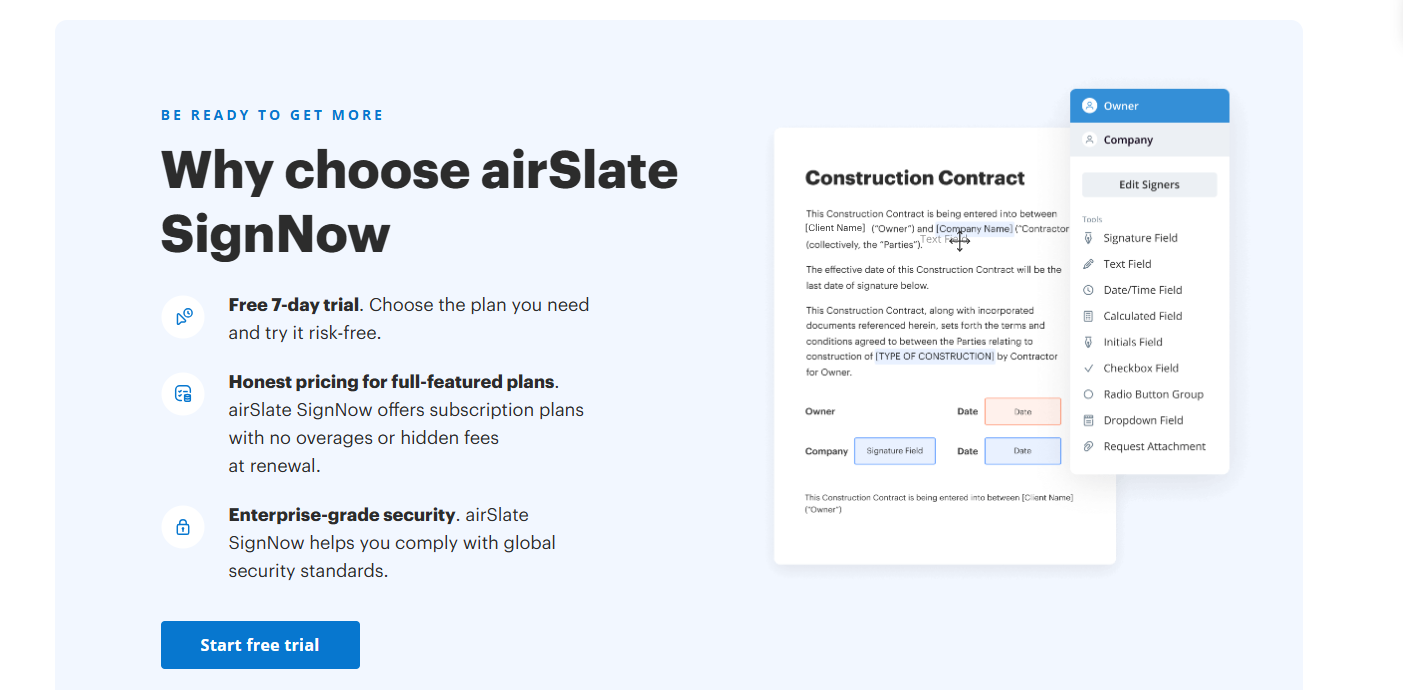
Once roles are defined, each field in the document is assigned to one of them: signature boxes, initials, date fields, text boxes and checkboxes. In signNow, this is done in the document editor by dragging a field onto the page and choosing which role it belongs to. Before sending, it is worth reviewing each role one by one to catch a signature box accidentally assigned to the wrong person.
The second decision is the order. Some documents work best when signers act in parallel, such as a photo release that the resident and a family member can each sign independently. Others need a strict sequence: the resident and representative fill and sign first, and the care coordinator countersigns only once everything else is complete. A defined order prevents a staff member from closing a file that is still missing a family signature.
Compliance basics for U.S. care providers
In the United States, two laws give electronic signatures the same legal standing as handwritten ones in most commercial and consumer contexts: the federal ESIGN Act and the Uniform Electronic Transactions Act (UETA), adopted by most states. Both require that signers intend to sign, consent to doing business electronically, and that the signed record can be retained and reproduced.
Care providers also handle protected health information, so HIPAA applies whenever a consent form or care plan contains medical details. signNow supports HIPAA compliance, but a Business Associate Agreement (BAA) is required before using it with protected health information. The platform also lists SOC 2 Type II, ISO 27001, GDPR and 21 CFR Part 11 among its compliance certifications.
Specific requirements still vary by state, especially around guardianship and capacity, so facilities should confirm their forms with legal counsel.
Security, audit trails and identity checks
When a document is signed by several people in different places, the facility needs proof of who signed what and when. signNow records an audit trail for each document, capturing the sequence of actions taken by each signer. If a family member later disputes an authorization, the audit trail shows when the document was opened and signed.
For senior care, this matters because residents' files often combine identity, financial and health data in one place. A practical rule: keep the signed PDF and its audit trail together in the resident's record, rather than storing only the signed copy.
Real use cases in senior living and therapy care
Admission packets in assisted living
An admission packet can run to many pages: residency agreement, house rules, medication management consent, photo release and billing authorization. With role-based fields, the resident signs the residency agreement, the financially responsible relative completes the billing section, and the administrator countersigns once both are done. Families who live in another state no longer need to travel just to sign.
Consent to cognitive stimulation programs
Memory care units and day centers increasingly run structured cognitive stimulation sessions, including tablet-based brain games. Before enrolling a resident, staff collect consent from the resident or their representative and record any preferences or limitations noted by the care team. A reusable two-role template keeps this consistent across every new participant.
Home-practice plans in speech and memory therapy
Therapists working with older clients often agree on a home-practice plan with a caregiver. The client signs the consent, the caregiver acknowledges their part of the plan, and the clinician signs the treatment plan. Each person completes only their own section, which keeps responsibilities explicit.
Common mistakes when setting up multi-signer templates
- Naming roles after peopleA role called "Mrs. Smith" cannot be reused. Use functional names such as "Resident" or "Representative".
- Leaving fields unassignedA field no one owns stays blank. Review the document role by role before sending.
- Making everything requiredOptional sections, like a second emergency contact, should not block completion.
- Ignoring capacityIf a resident cannot consent alone, the form needs a representative role and a clear field for their authority.
- Wrong signing orderA countersignature placed before family signatures lets staff close an incomplete file.
- Forgetting accessibilityOlder signers may use a tablet or a relative's phone, so large fields and a short form help.
The effort pays off over time: signNow reports that its users save up to 6 hours per week per employee and reach an 80% document completion rate.
Frequently asked questions
Can a family member sign on behalf of a senior resident?
Only if they have legal authority, such as a power of attorney or a court-appointed guardianship. In that case, the form should include a dedicated representative role with fields for their name and the basis of their authority. A relative without that authority can still sign sections that concern them, such as billing.
Are electronic signatures valid on healthcare consent forms in the U.S.?
Yes, in most cases. The ESIGN Act and UETA give electronic signatures legal effect when signers intend to sign and agree to sign electronically. Some documents and state rules carry exceptions, so care providers should confirm specific forms, especially advance directives, with legal counsel.
Is signNow HIPAA compliant for care facilities?
signNow supports HIPAA compliance for organizations handling protected health information. A Business Associate Agreement (BAA) is required before using it with patient or resident health data. Documents are encrypted with TLS 1.2/1.3 in transit and AES-256 at rest, and every signed document has an audit trail.
What is the difference between a signer role and a recipient?
A role is a placeholder in a template, such as "Resident" or "Clinician", that owns specific fields. A recipient is the real person, with an email address, assigned to that role when the document is sent. Separating the two lets one template be reused for every new admission.
Can several people sign the same document at the same time?
Yes. Signers can work in parallel when their sections are independent, or follow a set order when one signature depends on another. A common setup in senior care has the resident and family sign first, with the care coordinator countersigning only once all other fields are complete.
Did this content help you? Support DYNSEO 💙
We are a small team of 14 people based in Paris. For 13 years, we have been creating free content to help families, speech therapists, care homes and healthcare professionals.
Your feedback is the only way we know if our work is useful. A Google review helps us reach other families, caregivers and therapists who need it.
One action, 30 seconds: leave us a Google review ⭐⭐⭐⭐⭐. It costs nothing, and it changes everything for us.